


A privacy panel can look tall enough in a catalog and still miss the view you need to block. It can also occupy the same desk edge as a monitor arm, cable opening, frame member, or neighboring screen.
Facilities buyers should choose desk privacy panels from the occupied workstation outward: name the person or movement that should be screened, measure the installed height above the worktop, and then verify the exact panel, mount, desk, equipment, and layout as one system. A total product height or product photograph is not a compatibility result.
This guide gives you a sightline method, a mounting compatibility gate, a layout review, and an acoustic-claim check. The final asset is a record you can use to approve a sample or place the candidate on hold for missing drawings, limits, or test evidence.
For the wider furniture-system definition, SpaceUnited's workstation desk guide remains separate from this panel-height and mounting decision.
Set the Target With an Occupied Sightline Measurement
Choose a screen height only after naming the view it must interrupt. A seated coworker across a bench, a person walking in an aisle, and a neighbor at a raised desk create different sightlines. Current workplace guidance likewise recommends testing panel height from real working positions. Also record the task: routine collaboration may tolerate more visibility than work involving sensitive documents, but a desk panel still does not create a secure room.
Name the observer and target. Record whether the problem view is front, side, diagonal, seated, standing, or aisle traffic.
Set the actual chair, desktop, monitor, and normal working posture. For an adjustable desk, record each relevant desk position separately.
Measure the finished desktop height from the same floor datum. Then measure the relevant eye height without asking the user to stretch or slump.
Mark a candidate panel-top line with a removable visual marker or temporary sample. Check the direct and peripheral views from both workstations.
Record the lowest top line that blocks the named view, plus what remains visible. Recheck communication, daylight, monitor view, reach, and nearby circulation.
Convert the result to required installed height above the worktop: panel-top datum minus desktop datum. Ask the supplier drawing to use the same installed reference.
Hypothetical calculation — not a project specificationAssume a seated eye datum of 1,180 mm and a finished desktop datum of 740 mm, both measured from the same floor. A candidate top line at eye datum would be 1,180 - 740 = 440 mm above the desktop. The 440 mm result is only arithmetic for these assumptions. The actual target may be lower or higher after testing the real observer, target, opacity, posture, task, and layout. It does not establish total panel height or bracket overlap. |
Confirm the Panel Type and Installed Datum
Item | Description |
|---|---|
Installed above-worktop height | The vertical distance from the finished desktop surface to the top of the installed screen. |
Total panel height | The product's full physical height, which may include material below the worktop, bracket overlap, or a mounting channel. |
Use the right measurement for the panel's actual job | |||
Candidate | Usual location | Measure first | Does not establish |
|---|---|---|---|
Desktop privacy screen | Above or straddling the worktop | Installed top above the finished desktop and coverage width | Clamp fit, stability, or acoustic performance |
Modesty panel | Mainly below the worktop | Below-desk coverage, leg clearance, and mounting interface | A seated eye-level barrier |
Integrated workstation panel | Connected to a beam, frame, rail, or designed desk interface | System drawing, fixed datum, panel position, and approved parts | Compatibility with another desk family |
Freestanding divider | On the floor or worktop with its own base | Floor-to-top or worktop-to-top result plus base footprint | Stability in an untested location |
Catalog checkAsk the drawing to show the finished desktop datum, installed panel top, any portion below the desktop, and the mounting parts. If it gives only an outside panel size, the effective sightline height remains unverified. A photograph can confirm visible placement and appearance. It cannot prove hidden brackets, clamp opening, desktop range, hole locations, load path, or safe installation. |
Put the Exact Mount Through a Compatibility Gate
Write the panel, bracket, and desk model or drawing revision at the top of the review. “Clamp-on” is only a mount family. It does not tell you the opening range, required edge depth, suitable surface, or whether a frame member occupies the same space. Published clamp ranges from another brand apply only to that brand's named hardware.
OSHA's workstation purchasing guide also treats monitor space, work-surface space, clearance, and sit-stand equipment as connected checks. A panel review should preserve those functions rather than inspect the bracket alone.
Panel Compatibility Record — mark each critical row PASS or HOLD | |||
Field | Evidence to collect | PASS condition | HOLD trigger |
|---|---|---|---|
Exact identity | Panel, mount and desk part numbers; drawing revisions | All three match the reviewed documents | Generic family name or mixed revisions |
Desktop build | Material/build, actual thickness at the mount, edge profile | Manufacturer permits that construction and geometry | Thickness alone, hollow/unknown build, bevel, lip, radius or fascia not covered |
Mounting land | Clear edge depth/width and underside/topside contact surfaces | Required surfaces are flat, clear and within the drawing | Frame, crossbeam, apron, drawer, trim or damage blocks contact |
Interface | Clamp opening or approved hole/rail pattern and bracket orientation | Measured interface falls inside the exact documented range | Range, hole pattern, fastener or orientation is missing |
Desk equipment | Monitor-arm base, grommets, outlets, cable tray and service path | Each item keeps its required space and access | Shared edge, blocked port, pinched cable or lost service access |
Structure and stability | Permitted mounting surface, panel mass/size, load path, stability limits and exclusions | Supplier/engineer documentation covers the configuration | Photo, title or generic claim is the only support |
Moving workstation | Desk type and full documented travel envelope | Panel, hardware and cables remain clear at every approved position | Travel, collision, cable slack or stability has not been reviewed |
Measure the actual mounting zone, not a nominal desktop thickness taken elsewhere on the top.
Keep monitor, cable, desktop-edge, usable-surface and cleaning/service needs in the same record.
Do not approve drilling, cutting, adhesive mounting, substitute fasteners, improvised spacers, clamp force, or torque without exact manufacturer documents and project authorization.
If the manufacturer's exclusion or stability evidence is unclear, stop at HOLD and send the drawings to the responsible supplier, installer, or technical reviewer.
Record who checked each field, the date, the measuring tool, and any photo or document reference.
Test the Whole Workstation and Neighboring Layout
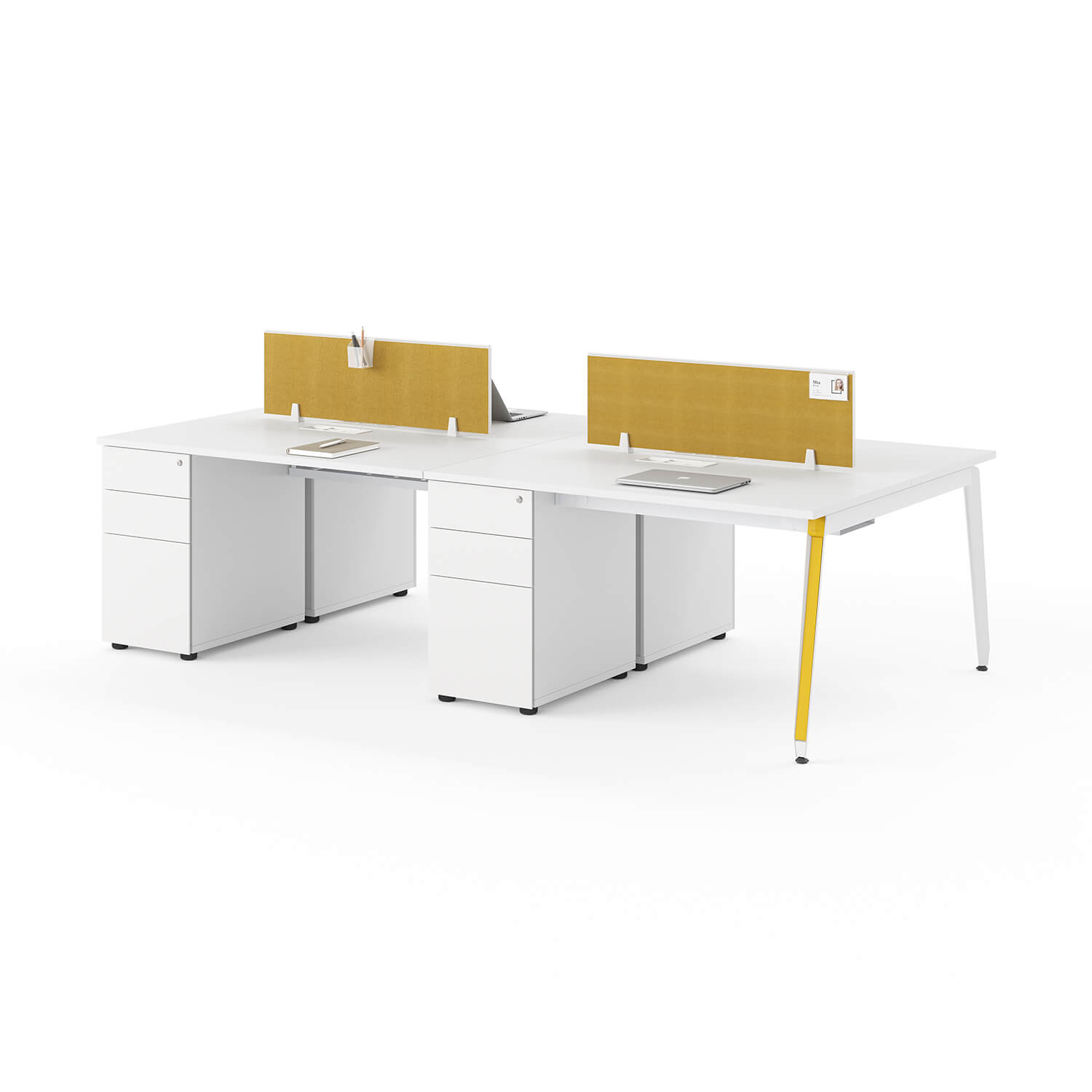
View test: seated peer, standing peer, aisle traffic, diagonal approach, and a neighboring raised desk where relevant.
Task test: routine collaboration, screen-based focus, paper handling, video calls, shared equipment, and any genuinely sensitive task that should move to an enclosed setting.
Equipment test: monitor base/arm adjustment, laptop docks, document holders, task lights, outlets, grommets, power access, cable trays and service reach.
Movement test: chair roll-back, swivel, standing up, reaching, cleaning, maintenance, and normal entry/exit paths.
Layout test: adjacent panel gaps, shared desktop edges, end-of-row exposure, aisle width, doors, storage, controls and emergency equipment. Applicable code checks stay with the project team.
Photograph the sample from each named observer position and label the desk/chair setting.
For an adjustable desk, have the responsible reviewer check the entire approved travel range with the panel, monitor and cables installed as documented.
Confirm that fixed dividers and moving desktops cannot create an unreviewed collision or pinch condition.
Record what the panel improves and what it worsens. A higher or wider screen can block more views but may reduce communication, daylight, reach or service access.
Use different panel heights or orientations by task zone when one specification cannot pass every station.
Separate Visual Privacy From Acoustic Evidence
Item | Description |
|---|---|
Visual privacy | Blocking or limiting a direct view. It says nothing by itself about speech being heard. |
Sound absorption | Sound energy taken up by a material or object under stated test conditions. NRC summarizes absorption results; it is not a soundproofing rating. |
Sound transmission | Sound passing through an assembly. STC summarizes one laboratory transmission test scope and cannot be inferred from NRC. |
Speech privacy | How difficult nearby speech is to understand in the real space. It depends on more than one desk panel. |
Acoustic claim verification gate | |||
Claim under review | Evidence required | Conclusion allowed | Conclusion not allowed |
|---|---|---|---|
Panel is opaque or blocks a named view | Sample viewed from recorded eye positions and lighting | Visual coverage under those conditions | Sound absorption, transmission loss, or confidential speech |
Panel has an NRC or absorption result | Report for exact product/configuration, test method, specimen, mounting, result, lab and date | The reported absorption result within that scope | Room decibel reduction, STC, soundproofing, or speech privacy |
Panel has an STC result | Model/assembly-matched transmission report and installation scope | The reported assembly transmission rating within that scope | NRC or open-office room result |
Office will be quieter or conversations private | Room-level acoustic design or field evidence covering layout, gaps, ceiling, surfaces, background sound and use | Only the result supported by that study | A guarantee based on felt, thickness, a photo, or a competitor's test |
What ASTM C423 can and cannot settleASTM C423 covers reverberation-room sound absorption, including procedures for an office screen. ASTM also warns that practical areas and sound fields differ from laboratory conditions. For purchasing, verify the exact product and test setup before using a number. Do not convert an absorption report into soundproofing, room-level dB improvement, STC, or speech-privacy performance. If the report is missing or does not match the supplied panel, treat the item as visual-only for the decision record. |
Record the Sample Decision and P07 Unknowns
A sample passes only when the reviewed hardware, drawings, desk and layout match what will be ordered. Keep exceptions visible. “Looks acceptable” is not enough when a later workstation has another top, frame, monitor mount, or cable position.
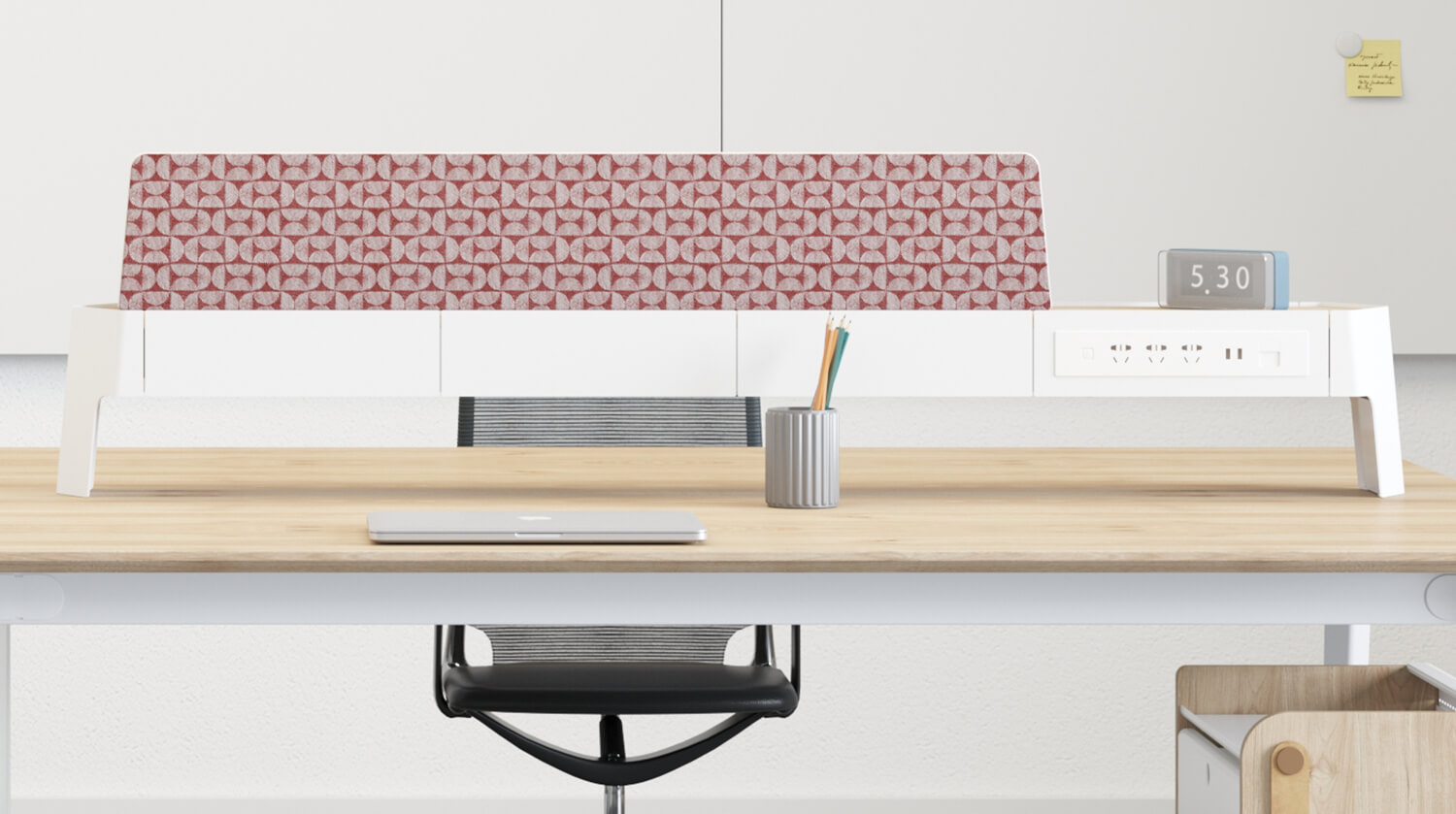
P07 public evidence status — checked August 30, 2026 | ||
Field | Current page evidence | Status and purchase action |
|---|---|---|
Workstation identity | Page H1 says Linear 4/6 Seater Staff Workstation Desk; copy says VIVA Double Row | VERIFIED as page labels; confirm the quoted model |
Model/dimensions table | Rows SU-WS-VIVA-31 through SU-WS-VIVA-50; desk height shown as 750 mm with varied depth/width | VERIFIED as published desk data; 750 mm is not panel height |
Screen option | Copy says an optional felt divider can be added; page images show above-desk screens | VERIFIED only as an offered/illustrated option; exact screen part remains unknown |
Seat/configuration wording | Title says 4/6 seater; body copy says 2/4/6/8-seat combinations | CONFLICT — confirm quoted configuration and drawing |
Panel size and effective height | No dimensioned panel or installed datum found | HOLD — request exact panel drawing |
Mount and desk interface | No bracket part, mounting drawing, clamp range, desktop thickness, hole pattern or attachment surface found | HOLD — request exact interface documents |
Structure, stability and movement | No panel load/stability limit or full-travel compatibility found | HOLD — request model-specific engineering/installation documents |
Acoustic performance | Page makes absorption/noise-reduction claims but exposes no model-matched test method or report | NOT VERIFIED — make no NRC, STC, dB, soundproofing or speech-privacy claim |
Record sample ID, desk/panel/mount part numbers, revisions, location, date and reviewers.
Attach the sightline measurements and photos from every named observer position.
Attach the compatibility record, manufacturer installation document and any required material/fire or acoustic report.
List exceptions by desk or station; do not let one passing sample approve a mixed fleet automatically.
Assign each HOLD item to the supplier, designer, facilities lead, IT reviewer, qualified installer or other responsible party.
Approve quantity only when critical HOLD items are closed and the ordered configuration matches the sample.
Use the SpaceUnited contact page to send the completed record and exact product identifiers for written confirmation.
Prepare an exact configuration check. Send SpaceUnited the desk model, panel and mount part numbers, measured datums, quantity, workstation equipment, and required drawings or reports. Ask for written confirmation before installation planning. Panel Compatibility Record
Desk Privacy Panel FAQs
Is a desk privacy panel the same as a monitor privacy filter?No. A desk panel blocks a physical view between work areas. A monitor privacy filter limits the viewing angle of one display. If the task involves confidential screen content, a desk panel may still leave the display visible from other positions. Can one panel height work for both seated and standing users?Sometimes, but do not assume it. Measure the named sightlines at each relevant desk and body position. A height that blocks seated peers may fail against aisle traffic or an adjacent raised desk, while a taller screen can reduce communication, light, reach, or monitor clearance. Does a felt desk screen count as an acoustic panel?A felt surface or an “acoustic” label is not enough. Ask for a report that matches the exact product, configuration and mounting, and check its test method and scope. Without that evidence, record the screen as a visual barrier only. What if the desk edge has no clear place for a clamp?Place the candidate on HOLD. Ask the desk and panel supplier for an approved model-specific interface or another documented mounting option. Do not improvise drilling, spacers, adhesives, substitute fasteners, cutting or clamp force from generic advice. |
Turn Measurements Into an Approval Record
Choose the view first, then measure the installed top line from the actual desktop and eye positions. Keep panel type, mount geometry, monitor and cable space, movement, neighboring stations, and claim evidence in one record.
A higher panel may improve visual coverage while reducing communication, daylight, reach, or service access. A felt surface may be visually suitable without proving an acoustic result. These are reasons to test a documented sample, not reasons to guess from a product image.
Close every critical HOLD item before quantity approval. For a SpaceUnited configuration, send the exact desk, panel and mount identifiers with your measurements, equipment list, quantity, and required documents for written confirmation. Completed Panel Compatibility Record


Under-Desk Storage Ideas That Keep Legroom and Cables Clear
A cabinet can fit beneath a desktop and still fail the workstation. It may take the employee’s preferred foot position, block the chair, trap a cable, or collide when an adjustable desk moves.Start by naming the items that need frequent access. Then reserve the employee’s knee, shin, and foot zone,
/ Read More
Office Desk Dimensions: Width, Depth, Height & Room Fit
Choose a desk by checking three things: the equipment on top, the person working at it, and the space around it. A desktop can fit against a wall yet leave too little room for the chair or an open drawer.Office desk dimensions usually describe width, depth and height. They do not tell you the clear
/ Read More
Office Desk or Executive Office Desk Which Fits Your Private Office Needs
He steps into his new private office, ready to shape a productive environment that reflects his ambitions. The right desk sets the tone—an executive office desk offers a lasting impression for leaders who value prestige and authority, while a modern office desk supports professionals focused on effi
/ Read More
7 Expert Tips for Choosing the Best Manager Office Desk
The right manager office desk transforms the daily experience in any workspace. He gains efficiency, comfort, and a professional look with a desk that fits his needs. When choosing a manager office desk, he must consider size, material, and design to match his workflow.
/ Read More
L-Shaped Office Desk Benefits Every Private Office Should Know
Choosing the right desk has a significant impact on daily productivity. Many employees notice that clutter and disorganization can slow them down. An l-shaped office desk is an excellent solution to this issue, as it efficiently utilizes corner space and provides designated areas for various tasks.
/ Read More
Complete Guide to Choosing L-Shaped Office Desks with Storage
An l-shaped office desk transforms any workspace by providing extra room and improved organization. With built-in storage, an l-shaped office desk keeps important items within reach, reducing clutter and distractions. Recent studies show that an l-shaped office desk makes storage more convenient.
/ Read More