


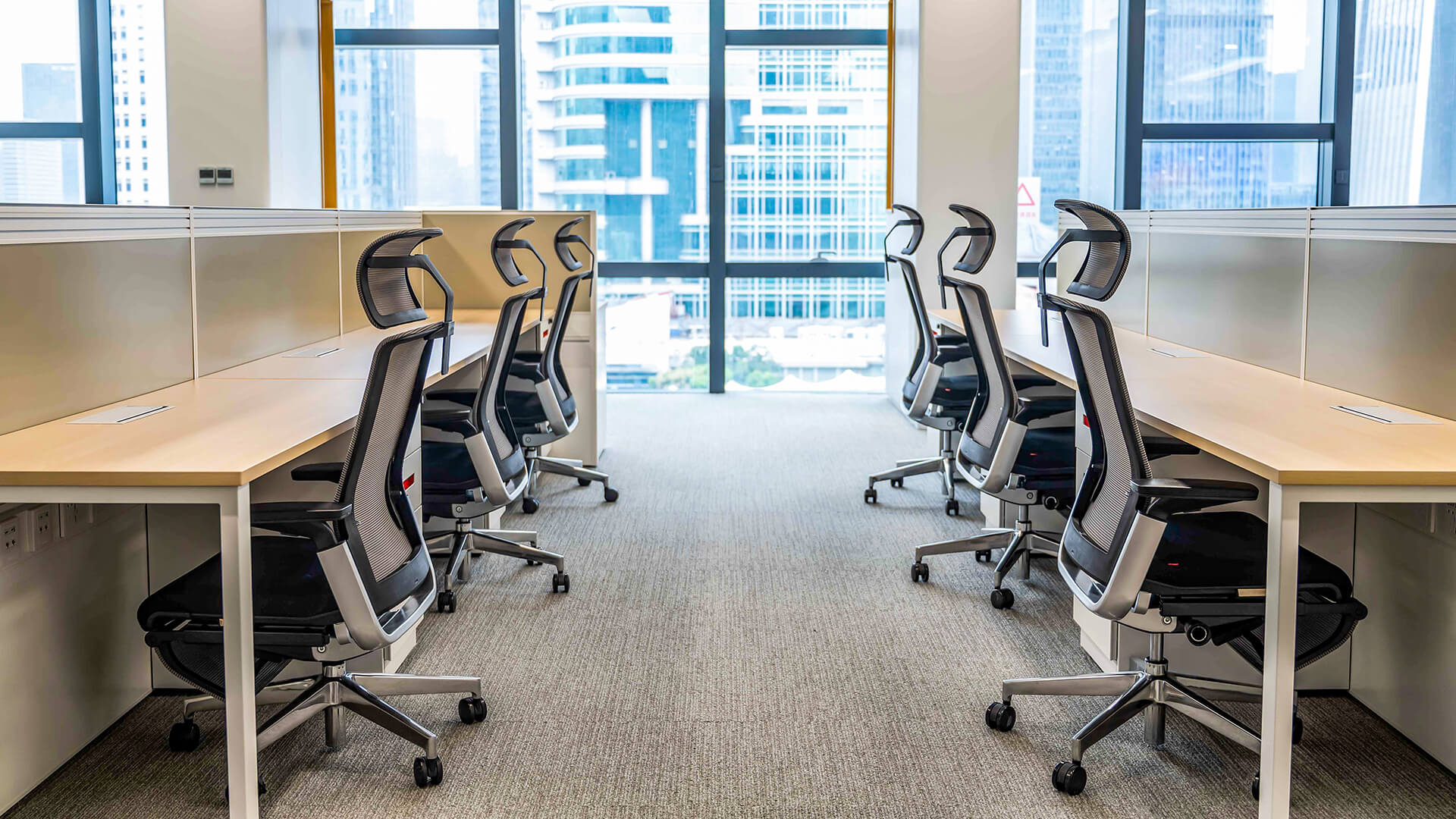
Many people sit at desks and ask why their backs hurt or shoulders feel tight. An office chair that fits well can help a lot. Changing things like lumbar support, seat depth, and armrests lowers strain. It keeps your body relaxed and helps you sit in a healthy way. SpaceUnited makes ergonomic office chairs that make any workspace better. They care about comfort and ergonomics, which shows they want people to have good workdays.
Key Takeaways
Adjust your chair height so your feet are flat on the floor and your knees bend at a right angle. This helps maintain good posture.
Set the seat depth to support your thighs without cutting off circulation. Leave a gap of 2 to 3 inches behind your knees for comfort.
Use the lumbar support feature to keep your lower back aligned. Adjust it to fit the natural curve of your spine for less pain.
Position your armrests at desk level to reduce shoulder strain. Keep them close to your body to avoid reaching too far.
Regularly check and adjust your chair settings to match your posture and work habits. This helps prevent discomfort and keeps you healthy.
Office Chair Height Adjustment
Setting Seat Height for Healthy Posture
Finding the right seat height is the first step to a comfortable workday. Many people wonder, “How do I adjust a chair for my height?” The answer starts with understanding how a fully adjustable chair works. SpaceUnited’s ergonomic office chairs make this process simple. Their chairs use a three-stage locking chassis and a 3-level air pressure rod, giving a 90mm stroke for smooth height changes. The seat height can move from 930mm to 1020mm, so users can adjust office chairs to fit their needs.
Feature | Description |
|---|---|
Mechanism | Three-stage locking chassis; 3-level air pressure rod (90mm stroke) |
Height Adjustment | 90mm stroke allows for customizable height settings |
Specification | W650D510H930-1020 |
Height Range | Adjustable height from 930mm to 1020mm |
To achieve healthy posture, professional ergonomic assessments recommend a few simple steps:
Adjust the seat height so elbows rest at desk height.
Keep feet flat on the floor for solid support.
This setup helps keep the body in correct sitting posture and supports office posture all day.
Matching Chair Height to Desk
People often ask, “How do I adjust a chair for my height when my desk is too high or too low?” The answer lies in ergonomics. The seat height should let feet stay flat and knees bend at a right angle. Most experts suggest a chair height between 16.5 to 18 inches for comfort. Elbows should form a 90-degree angle when typing or writing.
Chair height should range from 16.5 to 18 inches to keep feet flat and knees at a right angle.
Elbows should be around a 90-degree angle when working.
SpaceUnited’s ergonomic chairs make it easy to adjust your office chair for any desk. Their fully adjustable chair design supports professional ergonomic assessments and helps everyone find the best fit. With the right seat height, users can enjoy better posture and less strain, making every workday more comfortable.
Adjust Your Ergonomic Office Chair for Seat Depth
Proper Seat Depth for Comfort
Seat depth is important for comfort during long hours. SpaceUnited makes office chair seats with ergonomics in mind. Their ALL product has a seat depth of 52 cm. This size fits most people and helps keep a healthy posture.
Seat Depth | 52 cm |
|---|
When people change their ergonomic office chair for seat depth, they feel more comfortable. A deep seat lets thighs and hips rest well. This spreads out weight and lowers pressure spots. The backrest can then support the lower spine. This stops strain and keeps posture healthy. Many people say a computer chair with the right seat depth is easier to sit in.
Evidence Point | Explanation |
|---|---|
Even Weight Distribution | A deep and wide seat spreads weight across thighs and hips. |
Reduces Pressure Points | Good seat depth lowers pressure spots that can cause pain or numbness. |
Supports Proper Posture | The backrest can support the lower spine and help lumbar support. |
Maintains Healthy Circulation | The right seat size helps blood flow and stops joint pain or sores. |
Ideal Dimensions | Bigger users need a seat depth from 18 to 22 inches for best comfort. |
Ensuring Leg Support and Circulation
Changing seat depth also helps leg support and blood flow. Experts say a seat that is too deep can press on the back of the knees. This can slow blood flow and make legs hurt. To stop this, leave a gap of 2 to 3 inches between the seat and the back of your knees. This space helps blood flow and stops pressure.
People who set their ergonomic office chair for good foot support feel less tired. Their legs stay relaxed and do not get numb or sore. SpaceUnited’s seat uses mesh and shaping cotton for more comfort and support. When you find the right seat depth, you sit better and feel good all day.
Tip: Always make sure your feet are flat on the floor and your knees bend at a right angle. This helps your body stay healthy and keeps you comfortable for a long time.
Backrest and Lumbar Support
Why Ergonomic Office Chairs Are Good for Your Spine
Many people get lower back pain after sitting a long time. Ergonomic office chairs help stop this pain. SpaceUnited makes chairs with special adjustable lumbar cushions. These cushions support your lower back and keep your spine healthy. People who use these chairs feel more comfortable and have less pain during the day.
A good office chair does more than look nice. It helps your body stay in the right position. The backrest and seat work together to support your spine. The table below shows how different features help your back:
Feature | How It Supports Your Back |
|---|---|
Dynamic Lumbar Support | Keeps the natural curve of your lower spine as you move, stopping muscle tiredness from bad posture. |
Seat Depth Adjustment | Makes sure your thighs are fully supported without cutting off blood behind your knees, stopping slouching and lower back strain. |
Synchronous Tilt | Lets the backrest and seat lean back together, opening your posture while keeping your feet on the floor. |
SpaceUnited’s chairs use dynamic support. This means the chair changes as you move, so your back always gets help. People who sit in these chairs have less lower back pain and more energy.
How to Adjust Backrest Angle and Lumbar Support
Many people ask how to set the backrest and lumbar support best. The answer is easy. First, set the backrest angle to fit what you are doing. For focused work, 105° works well. For relaxing, try 120° or 135°. Some like to lean back to 160° for a short break. Each angle gives different support:
Backrest Angle | Benefits |
|---|---|
105° | Helps focused work and allows small movements. |
120° | Lowers stress on the back, fits lumbar better, saves energy. |
135° | Lowers pressure on the spine and helps breathing. |
160° | Lessens lumbar pressure and helps your body rest. |
Dynamic support is very important. The chair should change as you move your posture. Just moving the backrest is not enough. SpaceUnited’s chairs have a system that keeps lumbar support even when you lean or shift.
Here are some quick tips to adjust your chair:
Set the backrest between 90-100 degrees for focused tasks.
Use 100-110 degrees for more comfort and support.
Try 110-130 degrees to relax and ease pressure on your lower back.
People who adjust their chairs this way feel less lower back pain and more comfort. They can work longer without getting tired. SpaceUnited’s design makes it easy to find the right fit for everyone.
Tip: Always check the adjustable lumbar cushion. Make sure it fits the curve of your lower back. This small step can make a big difference in how you feel at the end of the day.
Armrest and Tilt Adjustments
Setting Armrests for Healthy Posture
Armrests help keep your shoulders and neck relaxed. SpaceUnited’s ALL product lets you change settings to fit your needs. These ergonomic chairs have adjustable height, lumbar support, armrests, and recline. This makes it easy for everyone to find what works best.
A good office chair lets you change the armrest height and width. This can help stop pain in your shoulders and neck. The table below shows how to set armrests for healthy posture:
Adjustment | Setting | Purpose |
|---|---|---|
Armrest Height | Desk level | Reduces unnecessary shoulder strain |
Armrest Width | Close to body | Minimizes reaching and overextension |
If you set your armrests at desk level, your upper body feels better. Keeping armrests close to your body helps you sit comfortably. Ergonomics experts say these small changes can make you feel much better every day.
Adjusting Tilt for Comfort and Support
Tilt adjustments help you stay comfortable and supported all day. SpaceUnited’s ALL product uses a synchronous tilt mechanism. This means the backrest and seat move together. It helps you sit actively and keeps your posture healthy.
The backrest should lean back more than the seat moves up (2:1 ratio is common). This helps you sit actively.
The seat tilt lets you match the seat and backrest for better support. It helps your thighs, lower back, and stomach feel good. This lowers pain and keeps your body in a healthy position. Here are some benefits of seat tilt and tilt adjustability:
Synchronous tilt lets the backrest and seat move together for better posture.
This feature helps you sit actively and keeps your feet flat.
The seat tilt gives comfort and support for long work sessions.
People who use seat tilt feel less pain and more comfort. They can work longer without feeling tired. SpaceUnited’s ergonomic design makes it simple to adjust and find the best position for any task.
Tip: Try different seat tilt angles during the day. This keeps your body moving and stops stiffness.
To make your office chair comfy, follow a few easy steps. First, set the seat height so your feet are flat. Your knees should bend at a right angle. Next, move the backrest to fit the curve of your lower back. Then, change the armrests so your shoulders stay relaxed. Pick an ergonomic chair with simple controls to help you adjust.
Check your chair often to keep your body healthy. Here’s a quick guide:
Frequency | Task Description |
|---|---|
Weekly | Wipe your screen and change chair settings if needed |
Monthly | Check how far your monitor is and tidy your desk |
Quarterly | Do a full check and think about new changes |
Annually | Look at your setup and plan for upgrades |
SpaceUnited’s ergonomic furniture helps you sit with good posture. Their chairs help you feel better and work with more energy every day.
FAQ
How often should someone adjust their office chair?
People should check their chair settings every few weeks. Small changes in posture or work habits can affect comfort. Regular adjustments help keep the body healthy and prevent pain.
What is the best way to clean an ergonomic office chair?
Use a soft cloth and mild soap for most surfaces. For mesh or fabric, vacuum dust and wipe stains gently. SpaceUnited chairs use easy-to-clean materials, so maintenance stays simple.
Can a SpaceUnited chair fit different body types?
Yes! SpaceUnited chairs have adjustable height, seat depth, and armrests. These features let users of all sizes find a comfortable fit. The design works well for many body shapes.
Why does lumbar support matter?
Lumbar support keeps the lower back in a healthy curve. This support reduces back pain and helps people sit longer without discomfort.
Tip: Always check the lumbar cushion before starting work. A quick adjustment can make a big difference!


What is the best office chair for sitting all day?
The best office chair for sitting all day gives great support and comfort. It also helps keep your body healthy. SpaceUnited is a top company for ergonomic office furniture. They make smart chairs that help people feel better at work. Studies show an ergonomic office chair can help you work better.
/ Read More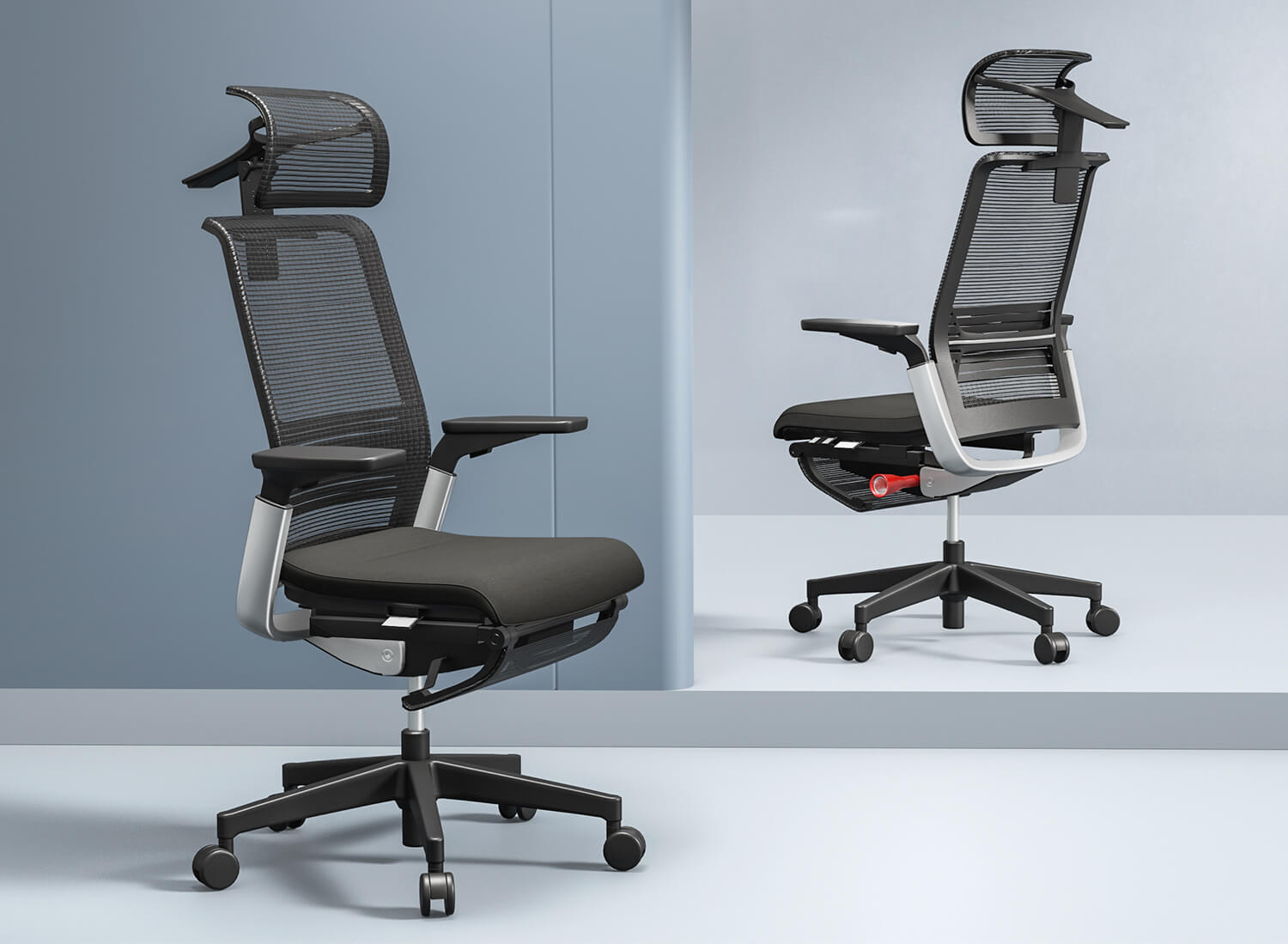
What are the ergonomic considerations for an office chair?
An office chair should have many ergonomic features. These features help people stay comfortable and healthy at work. You should look for adjustability, lumbar support, seat height, armrests, tilt, good material, and a strong base. These things stop pain, help you focus, and keep your posture good.
/ Read More
How to properly adjust an office chair for optimal comfort?
Many people sit at desks and ask why their backs hurt or shoulders feel tight. An office chair that fits well can help a lot. Changing things like lumbar support, seat depth, and armrests lowers strain. It keeps your body relaxed and helps you sit in a healthy way. SpaceUnited makes ergonomic office
/ Read More
What are the benefits of using an office chair?
An office chair has many good things for people who sit a lot. People feel less pain and have more energy with a work chair. Regular chairs do not move and do not give much support. Ergonomic chairs help your body feel good and stay healthy. Many workers can focus better and hurt less with ergonomic
/ Read More
What are the different types of office chairs?
When you walk into a modern office, you will see many types of chairs. There are swivel, ergonomic, modern, visitor, leather, and mesh chairs. Each type gives something special to your workspace. SpaceUnited offers new ideas for all these office chairs. This helps you find the chair that fits your n
/ Read More
What are the best office chairs?
When people talk about the best office chairs, the Steelcase Gesture is often first. Testers say it is very comfortable. It fits many body types because you can adjust it a lot. It gives good support. The Herman Miller Aeron is known for being strong and letting air flow through. This is great if yo
/ Read More
What are the Different Types of Office Chairs?
What are the Different Types of Office Chairs?Sitting in a busy office, struggling with daily tasks, and the glow of computer screens is already a norm for you. But sitting on the wrong chair? That shouldn’t be. Office chairs are the most important tools needed in an office as they shape your comfor
/ Read More