


Before ordering whiteboard accessories, identify the exact board model and label every working face: glass, another verified dry-erase surface, or tackable felt. Then match each marker, eraser, magnet, holder, pin, or hardware item to that face and model. If either identity is uncertain, place the item on hold.
Treat three questions separately. Is the accessory compatible? Is it listed or included for this configuration? Who will replenish it, and from which approved reference? A product page can help describe a board, but it does not replace a dated quote, order confirmation, packing list, or model document.
The checks below give a meeting-room administrator and procurement reviewer one shared record. Use the compatibility matrix to screen candidates, the sample and stop rules to control uncertainty, and the packing-list audit and replenishment card to document the final decision. This guide does not compare board materials, teach cleaning, or provide mounting instructions.
Start with the board face and exact model
Item | Description |
|---|---|
Magnetic glass writing face | Consider only markers labeled for the surface; check magnetic accessories against the exact model and intended load. |
Other verified dry-erase face | Follow the face label or model document. Do not transfer a glass-board approval automatically. |
Tackable felt face | Use pins only when the product or model document identifies the face as tackable. It is not a writing face. |
Unknown face | Do not approve a marker, cleaner, eraser, magnet, pin, holder, or hardware item until the face is identified. |
Record the model label, purchase order or invoice reference, room location, and a clear photo of each face. If you are also choosing a new board, the separate guide What are the different sizes of whiteboards? covers size and form; this article begins after the board has been selected. A photo alone may show the layout, but it cannot prove a face material, accessory inclusion, or current compatibility.
Exact model or configuration name recorded
Dated order reference or other purchasing evidence attached
Every face labeled by its documented function
Unknown or conflicting information marked HOLD
One reviewer assigned to approve the accessory record
Use a compatibility matrix before you order
Compatibility screening matrix | |||
Face and task | Candidate status | Evidence to collect | Stop condition |
|---|---|---|---|
Write on glass | Required: surface-labeled marker; optional: holder | Marker label plus exact-board sample record | Label excludes glass, or sample is unclear |
Display paper on magnetic glass | Optional: magnet or magnetic holder | Board model, exact accessory, intended paper or tool load | Sliding, uncontrolled snap, hard contact, or uncertain hold |
Write and erase on another verified dry-erase face | Required: approved marker and eraser | Face label or model document plus candidate label | Face or accessory identity is missing |
Display notes on tackable felt | Optional: suitable push pins | Model document confirming a tackable face | Pins are proposed for glass or an unknown face |
Store daily-use tools | Optional: tray, cup, or holder | Model/shape fit and intended load check | Interference, unstable attachment, or unverified fit |
Replace mounting hardware | Confirm first: model-specific hardware record | Original parts list, manual, and dated packing list | Generic kit, missing part identity, or missing wall assessment |
Use four status labels. Required means the room cannot perform its planned task without the item. Optional means the item helps but is not essential. Not applicable means the item belongs to a different face or task. Confirm first means procurement lacks enough evidence to approve it. These labels describe the room's needs, not a supplier's inventory.
Keep compatibility, inclusion, and availability in separate columns. A compatible item may be sold separately. A listed item may have an unconfirmed quantity for the order being reviewed. An available item may still be wrong for the board. Record the document name and date instead of writing only “confirmed.”
Approval ruleApprove only when the face, exact accessory, task, evidence source, and reviewer decision all refer to the same board record. If one field is missing or conflicts with another, use HOLD rather than filling the gap from a similar model or image. |
Choose markers by surface, contrast, and test result
Read the marker label and manufacturer instructions. Record the surfaces named and any surfaces excluded.
Choose tip size and color for the room's viewing distance and lighting. A compatible mark can still be too faint to read.
Test the exact candidate on a small, approved area of the exact board face. Follow the marker maker's stated use and removal conditions.
Observe writing flow, contrast, and normal erasing only. Do not introduce an unapproved cleaner to make a weak result pass.
Record the brand, product reference, color, tip, date, board model, face, result, and reviewer. Approve or place on hold.
“Dry-erase,” “glass marker,” and “universal” are screening terms, not final approval. Marker makers publish surface-specific guidance, and some glass-marker ranges name glassboards among their uses. That is useful evidence about the marker product, but it is not approval from SpaceUnited for every board or batch.
Board model and tested face
Marker brand and product reference
Labeled surfaces and exclusions
Tip size, color, and room-readable contrast
Sample date, conditions, and observation
Decision: APPROVED, HOLD, or REJECTED
Reviewer name and review date
Treat magnets and magnetic holders as model-specific
Magnetic accessory sample record | |||
Record | What to enter | Accept only when | Stop when |
|---|---|---|---|
Board | Exact model, face, and room | Face is documented as magnetic | Model or face is uncertain |
Accessory | Brand, product reference, shape, and contact surface | Exact item is traceable | Only a generic description is available |
Task | Paper count or specific tool to be held | Test matches normal use | Test load is lighter or different |
Behavior | Hold, slide, release, and contact observations | Hold is stable and handling is controlled | Item slides, snaps hard, pinches, scratches, or behaves unpredictably |
Decision | Approved task and limits, reviewer, and date | Limits are written and understood | Result depends on an unstated assumption |
A magnetic glass board places glass between the accessory and the magnetic layer. The added separation can make an ordinary magnet that works on exposed steel too weak on glass. Published magnet tests can explain this effect, but their magnet grades, quantities, and results do not prove compatibility with a SpaceUnited board. Do not create a substitute grade or count from a competitor test.
Test the exact accessory with the intended paper or tool load. A magnetic holder also needs a shape and interference check: it must not block writing space, strike an edge, or release a stored tool unexpectedly. Treat magnetic trays listed for one model as evidence about that model page only.
STOP if the accessory slides under the intended load
STOP for uncontrolled snapping, pinch risk, or hard surface contact
STOP if a coating, edge, or attachment may scratch the face
STOP if the result changes between faces or test positions
HOLD when the model, accessory reference, or test load is missing
Keep daily-use items separate from model-specific items
Markers and erasers: daily-use items only after their surface and sample status are recorded.
Cleaner: a separate surface-specific item. Do not add it to a marker or eraser approval without its own model and manufacturer check.
Push pins: optional supplies for a face documented as tackable felt; not applicable to a glass writing face.
Trays and holders: model- or shape-sensitive items. Record attachment method, intended load, and interference check.
Mounting kit: model-specific hardware. Verify the original parts list, manual, and order documents; do not replace it with a generic kit by appearance.
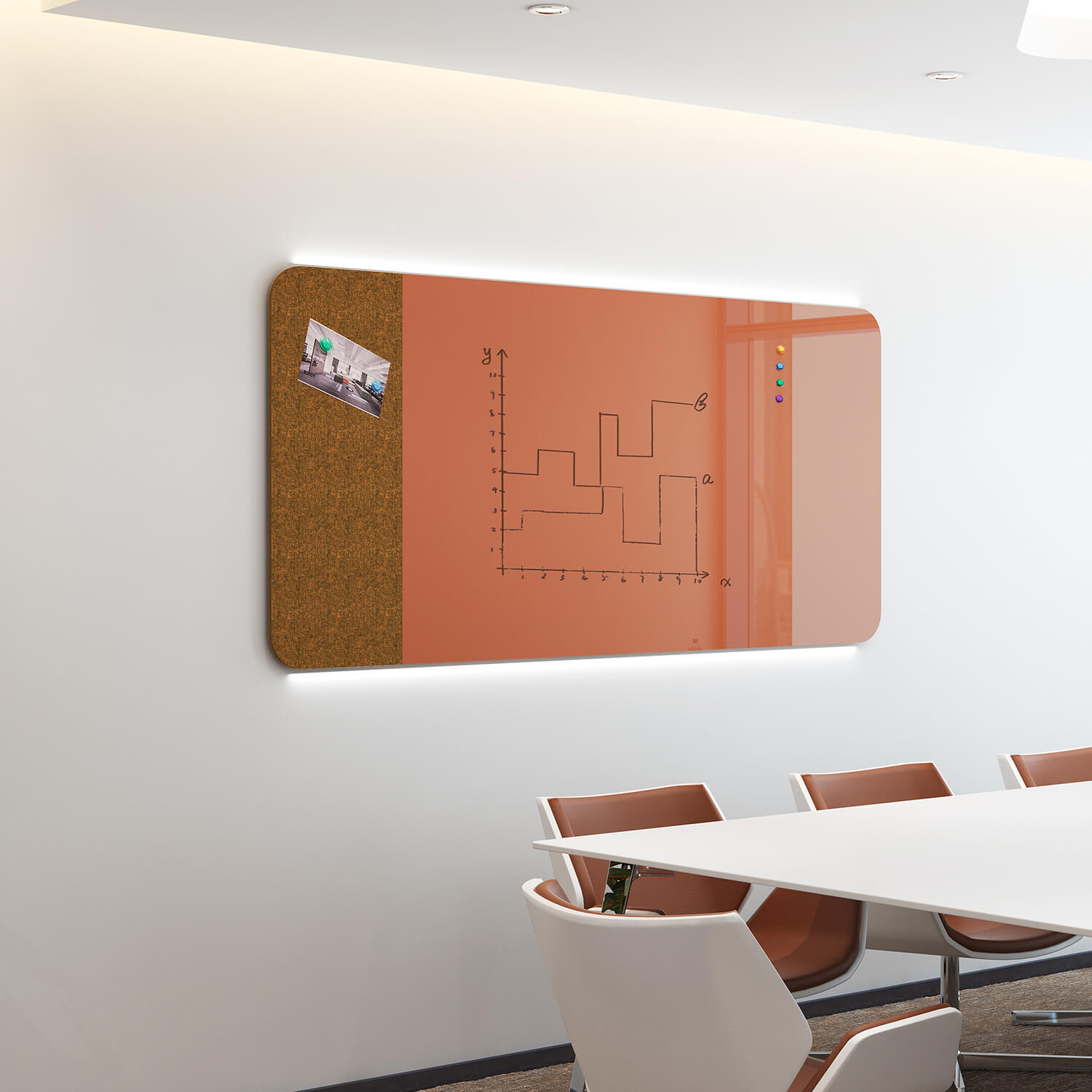
The P05 product page uses the name Minimalist Style Rounded Corner Wall Mounted Magnetic Whiteboard for this glass-and-felt combination. It describes a glass area that can be written on and can receive magnetic accessories, while the felt area accepts push pins. Those are different tasks on different faces. The page's unclear Depth, Width, and Height rows are not used here as writing-area, thickness, packaging, or installation dimensions. The page also does not provide a wall-type compatibility manual.
Required, optional, or not applicable?Required: needed for the documented room task and approved for the exact face or model. Optional: useful for the task but still subject to compatibility and load checks. Not applicable: intended for a different face or function. Confirm first: identity, evidence, quantity, or fit is unresolved. |
Audit the packing list and create a replenishment card
Print or save the dated quote, order confirmation, and packing list for the exact model or configuration.
Copy each expected line item without adding a quantity that the source does not state.
At receiving, record actual quantity, product reference, condition, and any mismatch.
Separate included items from separately purchased supplies and optional accessories.
Assign a replenishment owner, approved reference, reorder trigger, and evidence-review date.
Place unresolved quantities, substitutions, or model conflicts on HOLD before room deployment.
Reader-completed packing-list and replenishment card | |||
Field | Reader entry | Evidence to attach | Reorder or stop rule |
|---|---|---|---|
Board | Reader to complete: model, configuration, room | Label photo and dated order reference | HOLD if identity conflicts |
Accessory | Reader to complete: exact name and product reference | Manufacturer label or model document | HOLD if only a generic name is known |
Pack status | Reader to complete: included, separate, optional, or unresolved | Quote, order confirmation, and packing list | Do not infer from a public page |
Quantity | Reader to complete: expected and received | Dated packing and receiving records | Investigate every mismatch |
Compatibility | Reader to complete: approved task and face | Sample record or model-specific confirmation | HOLD outside the approved task |
Replenishment | Reader to complete: owner, trigger, approved reference | Procurement record and review date | Review before substitution or model change |
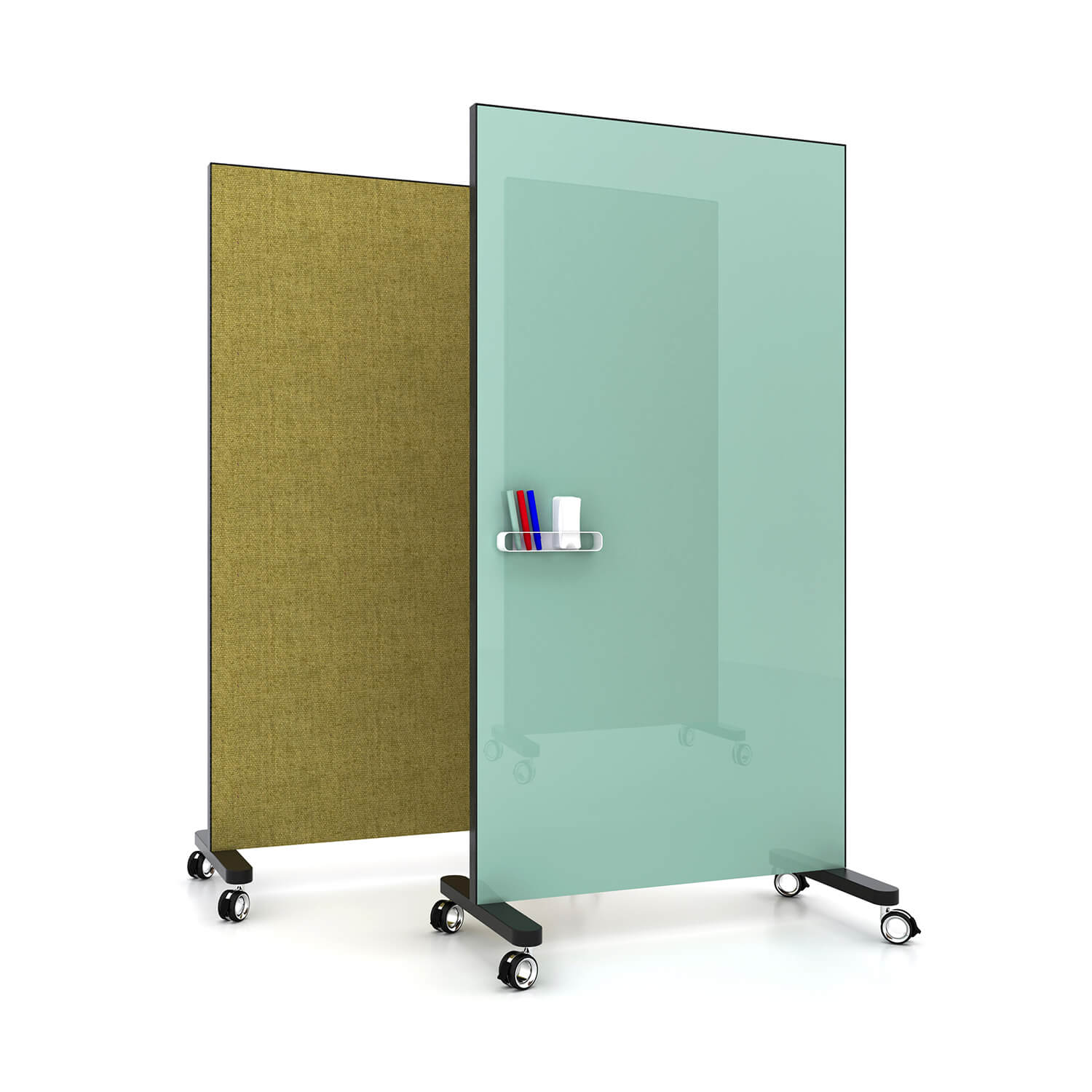
What a public listing can and cannot doIt can show that a named item is publicly associated with the configuration shown on that page. It cannot establish current inventory, exact pack quantity, delivery contents, cross-model compatibility, price, lead time, warranty, or test performance. The completed card above is a blank reader tool. It is not a record of an actual SpaceUnited shipment. |
Frequently Asked Questions
What if the board label or order reference is missing?Place the accessory order on hold. Record the room and board photos, then obtain the model or configuration from the purchase record, facilities file, or supplier. A similar-looking board is not enough because face construction, magnetic behavior, holders, and hardware may differ. Can a supplier's “universal” accessory be approved without a sample?No. Treat “universal” as a screening claim. Check the labeled surfaces and exclusions, then sample the exact accessory on the exact board face under its intended task. Record the result and reviewer decision before wider use. Does “magnetic glass” mean ordinary magnets will work?No. Glass creates separation from the magnetic layer, so a magnet that holds on exposed steel may be too weak on a glass board. Verify the exact board, exact accessory, and intended load. Stop for sliding, hard snapping, pinch risk, or uncertain contact. Is a mounting kit part of the replenishment order?Only when the exact order and model documents say so. Compare the original parts list, manual, quote, and packing list. Do not substitute a generic kit or infer wall compatibility from a product photo. Installation and wall assessment belong to the separate model-specific installation process. |
Approve the record, not a generic kit
A dependable accessory order begins with the exact board model and a face-by-face task map. It ends with separate answers for compatibility, inclusion, quantity, and replenishment. The matrix and reader-completed card make missing evidence visible before it becomes a receiving problem or an unsafe substitution.
When an item remains on hold, prepare one focused verification request through the SpaceUnited Contact Us page. Include the board model or order reference, face, accessory product reference, intended task or load, expected quantity, and the document or sample result already checked. Ask for written confirmation of the exact model or configuration, compatibility status, included-versus-separate status, and quantity.
Prepare the verification request. Send only the unresolved fields for written review; do not assume stock, price, lead time, warranty, or compatibility. Board model + accessory/packing/replenishment record


How to Hang a Whiteboard: Wall Type, Hardware & Mounting Height
Do not start by choosing an anchor. Start by matching the delivered board to its current installation instructions, confirming the wall assembly, and assigning a qualified person to approve the method. If the model, board or package weight, bracket drawing, packing list, wall construction, or concea
/ Read More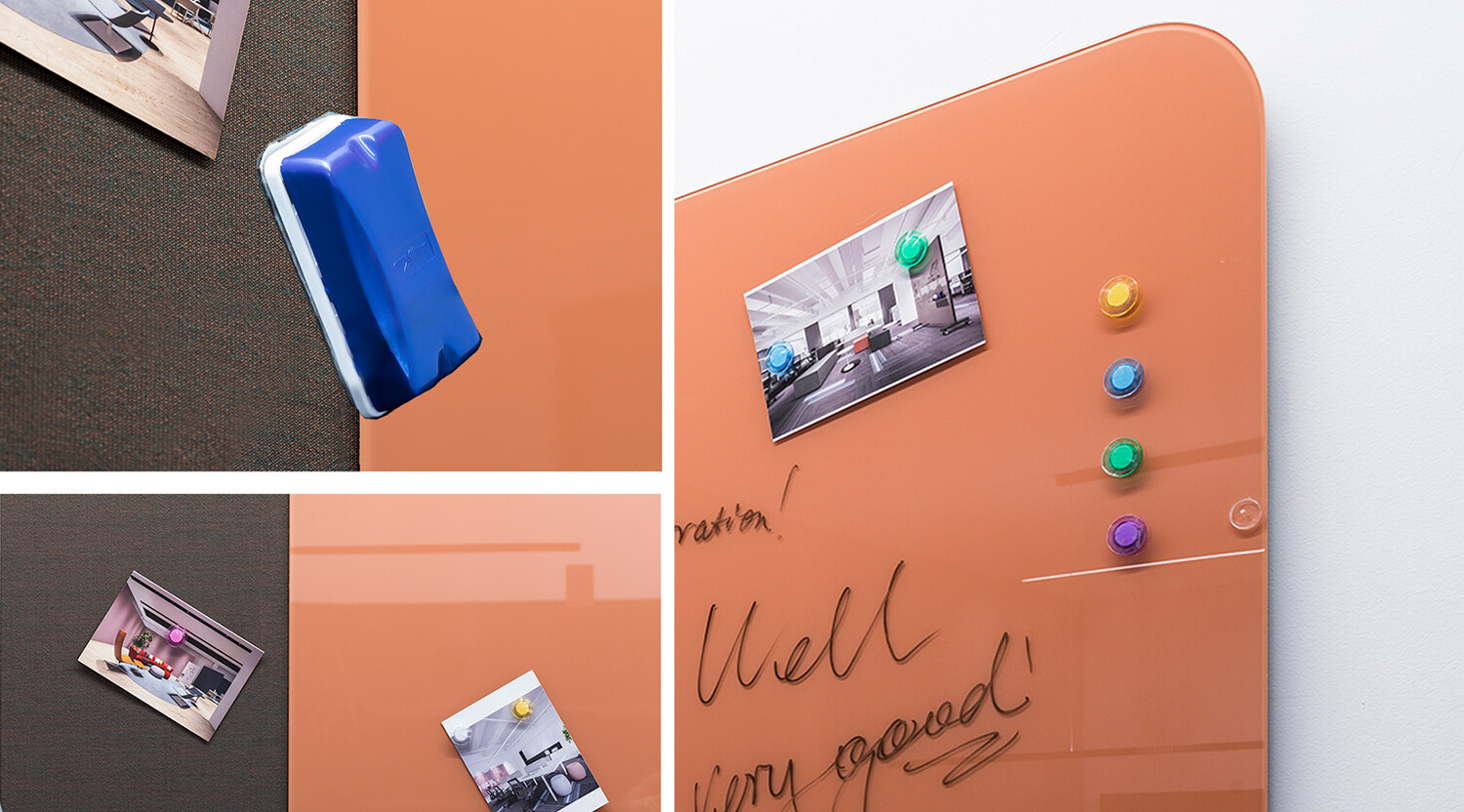
How to Clean a Whiteboard Without Damaging the Surface
To clean a whiteboard, first identify its writing surface, erase the dry ink, and follow the board maker’s cleaning instructions. Use the specified cleaner and cloth, then let the surface dry fully before writing again.If you are working out how to clean a whiteboard that still shows old writing,
/ Read More
Glass vs Porcelain vs Melamine Whiteboards: Which Surface Fits Your Office?
For a meeting room used throughout the day, shortlist porcelain steel or glass. For occasional personal notes, melamine may be enough. Choose between the first two by checking paper display, readability, care requirements, and the complete price—not appearance alone.A glass vs whiteboard comparison
/ Read More
What are the different sizes of whiteboards?
Whiteboards come in a wide range of sizes to suit any workspace. The most common whiteboard sizes include 3'x2', 4'x3', 6'x4', and 8'x4'. Many offices prefer these dimensions for both flexibility and visibility. The table below shows two popular options in the United States
/ Read More