


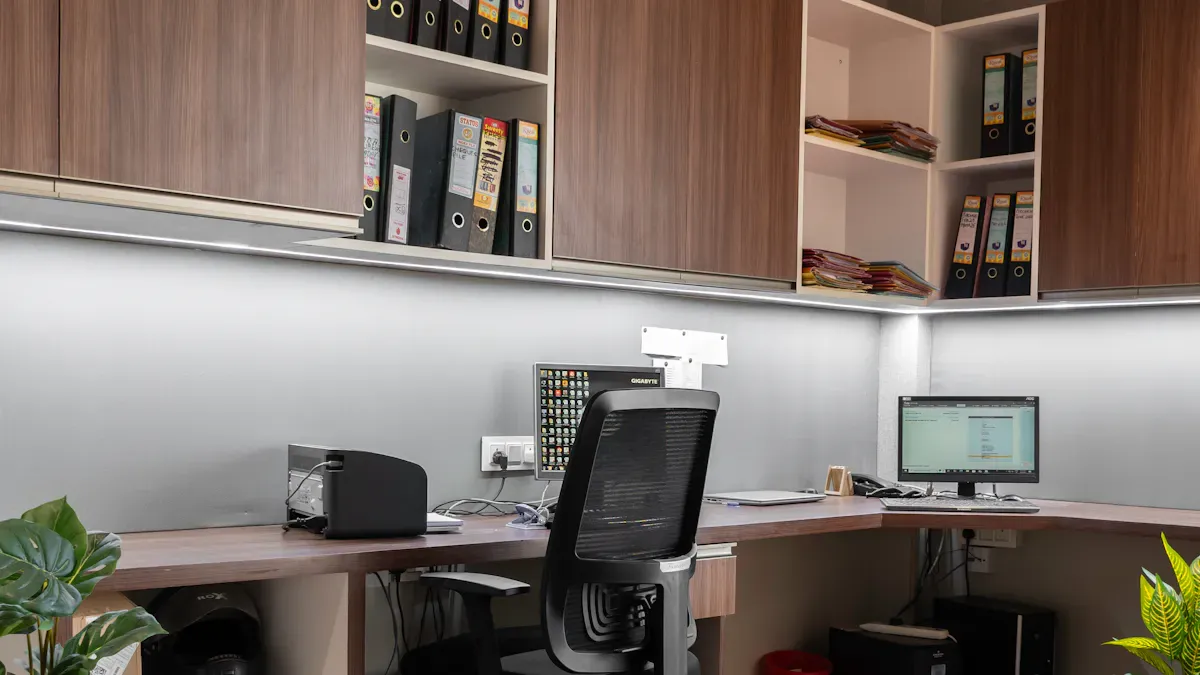
Imagine you walk into your office and feel excited by your desk. When you choose office desk furniture that fits your needs, you work better and look more professional. SpaceUnited’s furniture helps you make a workspace that feels nice and helps you reach your goals.
Good furniture makes workers feel happier and more interested. Custom pieces can show off your brand. A matching setup impresses clients and gives your company a good image.
Key Takeaways
Pick office desk furniture that matches what you need. This helps you work better and look professional.
Think about workspace zones and desk hierarchy. Make sure each area has the right furniture for its job.
Choose ergonomic and adjustable desks. These desks help you feel comfortable and stop health problems from sitting too long.
Plan your workspace layout with care. Measure your space so you do not crowd the room. This makes it easy to move around.
Add storage solutions like drawers and cabinets. These keep your workspace neat and free from mess.
Go for modular and flexible furniture. This furniture can change as your team grows or needs change.
Pay attention to both looks and how things work. This makes your workspace show your brand and helps employees feel good.
Pick quality over price. Good office furniture lasts longer and gives you more value over time.
Workspace Zones and Desk Hierarchy
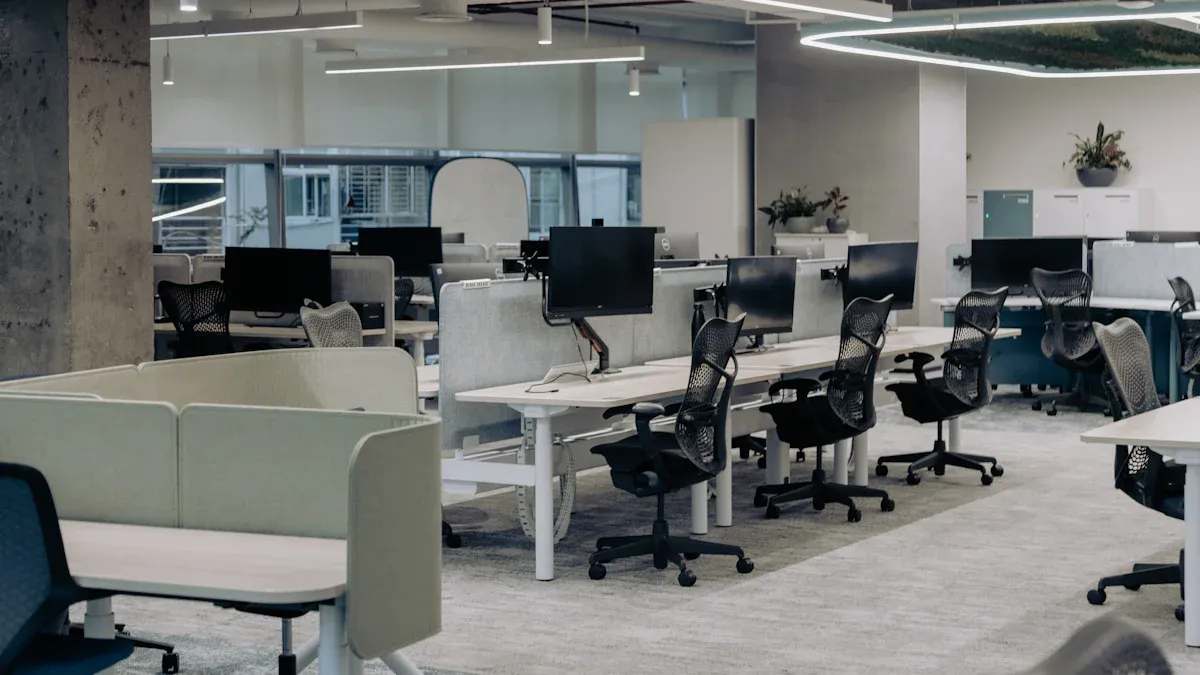
When you plan your workspace, think about who will use each desk. Each office has different areas. Every area needs the right furniture to help people do their best. Let’s look at the main workspace zones and see how SpaceUnited’s desk series fit.
Executive Office Desk Furniture
Premium Series Options
If you want your executive space to look fancy, try a premium desk series. SpaceUnited’s HORI series has a rich design and is comfortable to use. The DING series looks classic with wood colors and has storage built in. The HUI series lets you make different shapes, so you can match your workspace to your style.
Here’s a simple table to compare executive desks and standard workstations:
Feature | Executive Office Desks (HORI, DING, HUI) | Standard Workstations (VIVA, SLIM) |
|---|---|---|
Comfort | Ergonomic, plush comfort | Basic comfort |
Aesthetics | Sophisticated, impressive | Simple, clean |
Storage Solutions | Cabinets, credenzas, built-in storage | Minimal storage |
Client Impressions | Designed to impress | Focused on practicality |
Materials | Solid wood, premium finishes | Affordable, modern materials |
Hierarchy and Professionalism
Executive desks show your role in the office. They help set a professional tone. If you pick a desk from the HORI or DING series, you send a strong message to clients and staff. These desks look great and are comfy for long meetings or focused work. The HUI series lets you make a workspace that fits your management style. You can have a private spot or an open area.
Tip: An executive desk with good comfort and a nice look can make you feel more confident and make your workspace special.
Staff Workstations for Open Plans
Flexible Benching Systems
Open offices need flexible desks. SpaceUnited’s VIVA and SLIM series are great for these spaces. The VIVA series has V-shaped legs for a modern style. The SLIM series has thin, simple legs. These benching systems help teams work together and move around easily.
You can make different areas for different jobs, which helps people focus. Comfortable desks help people feel better and work well. With flexible benching systems, you can change your workspace as your team grows or your needs change.
Making areas for different jobs helps people focus.
Comfortable desks help people think better and make fewer mistakes.
Offices with activity-based spaces support flexible work and shared desks.
Aesthetic Choices for Teams
Your workspace should show your team’s style. The VIVA and SLIM series let you pick the look you want. You can choose colors and finishes that match your brand. Partitions help block noise, so your team can work without being bothered. Sound treatments also help people concentrate.
Note: When you design your workspace with the right desks and style, you make a place where everyone feels good and wants to work.
Collaborative and Agile Spaces
Mobile and Modular Desks
Collaboration areas are important in any office. You need desks that move easily and can change for different needs. Mobile and modular desks help you set up spaces for teamwork, quick meetings, or working alone. Special collaboration areas stop noise in quiet spots and make it easy for teams to share ideas.
Agile spaces with mobile desks help quick meetings and flexible layouts.
Studies show that ergonomic changes can boost productivity by 29%.
Offices that improve design can see up to a 22% rise in productivity.
Meeting and Social Areas
Meeting rooms and social spots need comfy seats and technology. You can use modular desks to make places for brainstorming or casual talks. Special areas for teamwork, like huddle rooms or lounges, help people get more done. Good lighting and temperature also help people stay focused and happy.
Block Quote: “Meeting rooms should have technology and comfy seats to help people work together.”
When you plan your workspace zones and desk hierarchy, you make sure every area helps the people who use it. SpaceUnited’s desk series help you build a workspace that fits your needs, looks good, and helps your team do well.
Training and Educational Workspaces
When you set up a training or educational space, you need furniture that can change with your needs. These spaces are used for group talks, workshops, or classes. The right desk helps everyone learn better and feel comfortable.
Stackable and Adjustable Desks
You need desks that are easy to move and change. The Wenqu QUETH and Wenxue STUTH series can be stacked to save space. You can set up for a big group fast or clear the room for games. The Wenxue STUTH desk lets you pick from six heights, so all students can find a good fit.
The ADA series has desks with cool shapes. You can put them in rings, S-shapes, or other patterns for group work or fun talks. This makes it easy to turn any room into a place for teams or quiet study.
Tip: Stackable and adjustable desks help you switch between activities fast and without much work.
Safety and Flexibility
Safety is important in every workspace, but it matters even more when people move desks a lot. The Thinkin series has desks with rounded corners and pen slots that stop pens from rolling off. You can also change the height of the desk and seat, so everyone can sit the way they like.
Here are some things to remember when picking desks for training or learning spaces:
Choose ergonomic features like chairs you can adjust and sit-stand desks to keep everyone comfy and healthy.
Measure your space so the furniture fits and does not make the room crowded.
Pick strong materials like laminate or steel so desks last a long time.
Find desks that can be stacked or changed, so you can set up the room how you want.
Plan for places to store supplies so everything stays neat and easy to get.
Make a budget that pays for good furniture and getting it set up right.
A flexible space lets you make new setups for each lesson or event. When you use stackable and adjustable desks, you can help with group work, quiet study, or fun projects. The right furniture helps everyone feel safe, comfy, and ready to learn.
Measuring and Planning Your Workspace
Before you pick out any office desk furniture, you need to measure your workspace and plan your layout. This step helps you avoid buying a desk that is too big or too small. A good layout makes your workspace feel open, organized, and easy to move around in.
Space Assessment for Office Furniture
Room Size and Layout
Start by measuring your workspace. Grab a tape measure and follow these steps:
Measure each wall, moving clockwise from one corner. Write down every number.
Check the ceiling height. Look for things like air vents or lights that might get in the way of taller furniture.
Find and mark where outlets, switches, radiators, and columns are. Note how far they are from the walls and how high they sit from the floor.
Measure doorways, hallways, and stairs. Make sure your new desk can fit through these spaces.
Leave at least 3 inches between furniture and the wall for cords and plugs. Make sure drawers and cabinet doors can open all the way.
Use painter’s tape to outline your desk’s size on the floor. This trick helps you see how much space the desk will take up in your layout.
Tip: Always double-check your measurements before you order any furniture. This step saves you time and trouble later.
Clearance and Flow
You want your workspace to feel open and safe. Make sure you leave enough space around each desk. Here’s a quick guide:
Desk Type | Minimum Clearance |
|---|---|
Executive Desk | 36–48″ all sides |
Manager Desk | 30–36″ |
Standard Desk | ~30″ |
If you plan your layout with these clearances, you can walk around easily and open drawers without bumping into anything. This flow keeps your workspace comfortable and safe for everyone.
Desk Size and Orientation
L-Shaped, Rectangular, Modular Options
Choosing the right desk shape can make your workspace more efficient. Here’s a table to help you decide:
Desk Shape | Suitable For | Benefits |
|---|---|---|
L-shaped | Private Offices | Great for multitasking and a roomy work area |
U-shaped | Private Offices | Lots of surface space for different tasks |
Collaborative Bench | Open-plan Offices | Helps teams work together and talk easily |
Modular Workstations | Open-plan Offices | Lets you change the layout as your needs change |
Think about how you work. If you need lots of space for papers or two monitors, an L-shaped desk might be best. If you want to change your workspace often, modular desks give you the most flexibility.
Placement for Light and Power
Where you put your desk matters. Try to place your desk near a window for natural light. This makes your workspace feel brighter and can help you stay focused. Make sure your desk is close to power outlets so you can plug in your computer and other devices without running cords across the room.
Note: Good lighting and easy access to power make your workspace more comfortable and help you get more done.
When you measure and plan your workspace, you set yourself up for success. A smart layout keeps your workspace tidy, safe, and ready for anything your workday brings.
Ergonomics and Comfort in Desk Selection
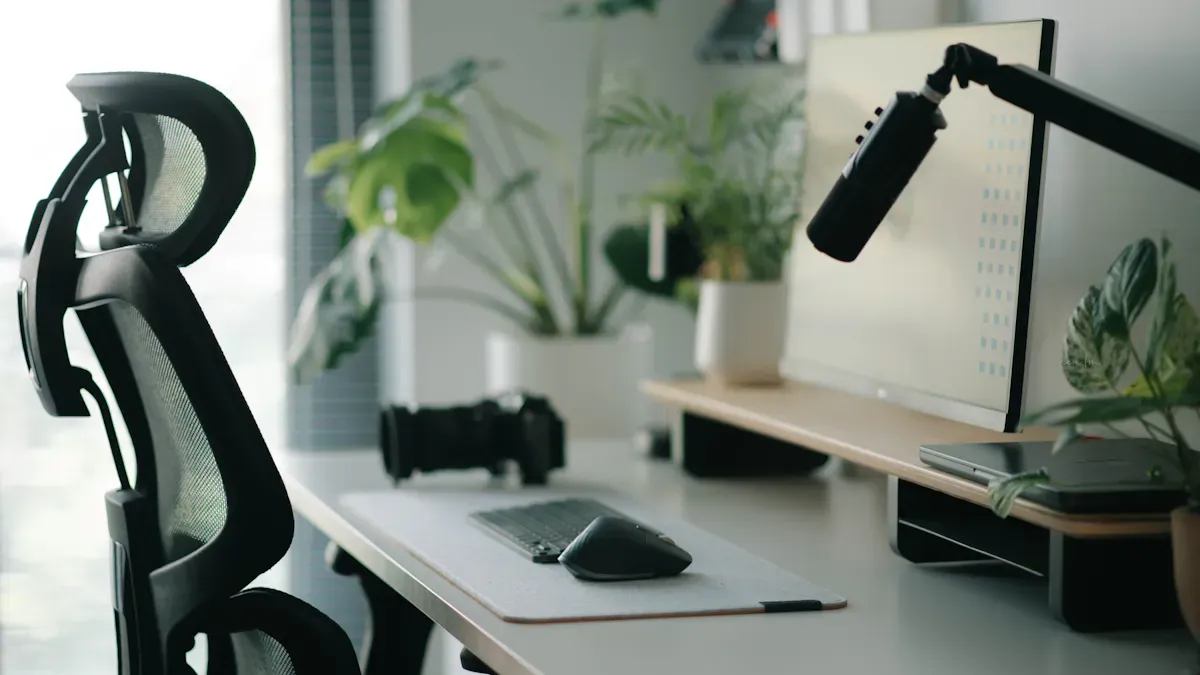
You spend a lot of time at your desk, so comfort and ergonomic considerations should always come first. When you pick the right office desk furniture, you help your body stay healthy and your mind stay sharp. Let’s look at how you can make your workspace better for your comfort and well-being.
Ergonomic Office Desk Furniture
Height Adjustability
You want your desk to fit you, not the other way around. The best desks let you adjust the height so your arms and eyes stay in the right position. The Lifting series from SpaceUnited makes this easy. You can change the height with a quiet motor and see the exact number on an LED display. This helps you find the perfect spot for your arms and shoulders. The HORI 1.5 executive desk also gives you a wide lifting range, so you can switch between sitting and standing.
Here are some important ergonomic considerations for desk height:
The ideal desk height for most people is between 28 to 30 inches.
If your desk is too tall, your arms and neck will feel sore.
If your desk is too short, your legs will feel cramped.
Tip: Adjust your chair and desk so your elbows stay at a 90-degree angle and your feet rest flat on the floor.
Sit-Stand and Lifting Desks
Sitting all day can make you feel tired and stiff. Sit-stand desks, like the Lifting series, let you move more during the day. You can stand up for a while, then sit down when you need a break. This change helps your blood flow and keeps your muscles from getting sore. The quiet motor and memory settings make it easy to switch positions without stopping your work.
“Ergonomic furniture is designed to reduce strain on the body, especially in the neck, shoulders, and wrists. Adjustable desks and ergonomic accessories let you set up your workspace just for you, which means less discomfort and better well-being.”
Comfort Features
Legroom and Surface Space
You need enough space under your desk to stretch your legs and move around. A good desk gives you plenty of legroom and a big surface for your computer, papers, and accessories. The Thinkin series from SpaceUnited has rounded edges and adjustable heights, so you stay comfortable and safe. Rounded edges also protect you from bumps.
Check out this table to see what features office workers value most:
Feature | Description |
|---|---|
Ergonomic Office Chairs | Give you lumbar support, adjustable seat height, and armrests for healthy posture support. |
Adjustable Desks | Let you sit or stand, so you can work the way you like. |
Monitor Stands | Keep your screen at eye level to stop neck and eye strain. |
Accessories (Footrests, etc.) | Make you more comfortable and help reduce strain during long hours. |
Accessories for Health
Small things can make a big difference in your comfort. The AIRY series offers lightweight, hanging accessories that help you organize your space and keep everything within reach. You can add monitor arms, trays, or footrests to support your health. Smart office furniture can even remind you to move or stretch, which helps you avoid feeling stiff.
Adjustable chairs and sit-stand desks help you keep good posture.
Monitor arms and trays let you set up your screen and keyboard just right.
Cable management keeps your workspace neat and safe.
When you focus on ergonomic considerations and comfort, you help your body and mind work better. SpaceUnited’s Lifting, HORI, Thinkin, and AIRY series give you the tools you need for a healthy, productive workspace.
Organization and Tech Integration
A tidy workspace helps you work better. It also makes your day easier. When you set up your office desk furniture, give everything a spot. Make sure your devices can stay charged. Here are some ways to keep things neat and use technology well.
Storage in Office Desk Furniture
Drawers, Cabinets, Shelves
You need storage that fits your daily habits. Drawers hide pens and small things. Cabinets hold files and bigger items. Shelves let you show off books or papers. In an executive office, you may want storage that looks nice and matches your desk. For teams, credenzas give more space and hold shared supplies.
Here’s a table to help you pick storage:
Storage Type | Description | Use Case |
|---|---|---|
Executive Storage | Looks good and is useful. | Best for executive offices. |
Credenzas | Adds space and holds office supplies. | Good for team spaces. |
Bookshelves | Stores books and papers upright. | Great for personal libraries. |
Tip: Not enough drawers means more mess. The right cabinets help you find things fast.
Vertical and Modular Storage
Vertical storage uses wall space, so your desk stays clear. Bookshelves and tall cabinets store more without using extra floor space. Modular storage lets you add or move pieces as you need. Filing cabinets keep important papers safe. Tall cabinets work in small offices. Wide ones fit big spaces and make it easy to grab things.
Pick furniture with lots of storage.
Modular storage grows with your team and keeps things organized.
Cable Management and Power
Hidden Wire Channels
Cables can make your desk messy. Hidden wire channels keep cords out of sight. This stops them from getting tangled. Your workspace looks better and is safer. You won’t trip over wires. Your devices last longer because cables stay safe.
Keeps cables neat and untangled
Stops tripping accidents
Stops cables from wearing out
Helps devices last longer
Makes your workspace look nicer
Integrated Power Solutions
You need power for your computer and phone. Desks with built-in outlets or USB ports make charging easy. You don’t have to crawl under your desk to plug things in. Built-in power keeps your desk tidy and helps you focus.
Note: Good cable management and power help you stay neat and avoid distractions.
Desk Accessories for Organization
Monitor Arms and Trays
Monitor arms lift your screen to eye level. This helps your posture and gives you more desk space. Keyboard trays slide out when you need them and hide away when you don’t. These tools help keep your desk clear and organized.
Personalization Options
You can add trays, pen holders, or hanging organizers to fit your style. The AIRY series from SpaceUnited has light accessories that hang from your desk. This keeps things close by. Personal touches make your desk feel like yours and help you stay organized.
Callout: A neat desk helps you find things, work faster, and feel less stressed.
When you focus on storage, cable management, and the right accessories, you make a workspace that helps you stay organized and use technology well. This makes your office a place where you can do your best work every day.
Style, Materials, and Brand Image
Office Furniture Aesthetics
Modern, Minimalist, Classic Styles
The furniture style in an office sets the mood right away. Do you want a modern look with bold shapes and straight lines? Maybe you like a minimalist style that keeps things simple and neat. Or you might prefer a classic design with warm wood and old-fashioned details. Each style shows what your company is like and how you want people to feel.
Modern styles use smooth surfaces and sharp shapes.
Minimalist designs keep things open and simple.
Classic styles use rich wood and old-style touches.
94% of workers say the office space matters for their happiness at work. If you pick a style that fits your team, everyone feels better and happier at work.
Color and Finish Choices
Color and finish can change how your workspace feels. Bright colors make the office lively and help people be creative. Neutral colors make the space calm and help people focus. You can pick finishes that match your brand, like shiny white for a tech company or dark walnut for a law office. SpaceUnited has many finishes, so you can find the best one for your team.
Material Selection
Wood, Metal, Laminate Options
Picking the right desk material is important. Each material has its own good points. Here’s a quick guide:
Material | Durability | Maintenance Needs |
|---|---|---|
Solid Hardwoods | Very strong, can be refinished | Needs some refinishing sometimes |
High-Pressure Laminate | Resists scratches and stains | Easy to clean, not much care needed |
Metal Components | Very strong, especially if welded | Just needs cleaning |
Engineered Wood | Stable and saves money | Easy to care for, depends on the surface |
Solid hardwoods last a long time and look nice in executive offices. Laminates are good for busy places because they do not scratch or stain easily. Metal desks feel strong and look modern. Engineered wood looks good and costs less.
Durability and Maintenance
You want furniture that lasts and is easy to care for. Solid wood can be fixed if it gets scratched. Laminate is easy to wipe clean. Metal parts need almost no care. If you pick the right material, your desks will look good and last a long time.
Reflecting Company Image
Consistency and Customization
Your office furniture should match your company’s style. When people visit, the desks and chairs show them what your brand is like. If you use the same style and color everywhere, your office looks neat and professional.
Using the same look in all spaces shows you care about details.
Custom options let you add your logo or brand colors.
Comfort and function are important, too. Pick furniture that looks good and feels good for long days.
A nice office makes workers feel important and helps them connect with your brand. When your space looks great, people want to stay and do their best.
Picking the right style, materials, and finishes helps you make a workspace that fits your team and brand. With SpaceUnited’s choices, you can build an office that stands out and helps everyone do well.
Flexibility, Growth, and Budget
Modular and Expandable Desks
Reconfigurable Layouts
You want your office desk furniture to change as you need. Modular desks make this simple. You can move them around or connect them. If your team gets bigger, just add more desks. If you need space for a project, rearrange the desks. This flexibility helps you use your space well and makes your workspace work better.
A startup grew from 10 to 25 people in six months. They used modular desks to change their office quickly. They did not spend much money or wait for new desks. Their team stayed busy because the desks fit their needs right away.
Multi-Functional Solutions
Modular office desk furniture does more than hold your computer. Some desks have storage, privacy panels, or height-adjustable parts. You can use one workstation for meetings, solo work, or group projects. Some companies cut their office space in half by using modular desks. They move desks for training, teamwork, or quiet work. This saves money and makes your office work better.
Tip: Pick multi-functional workstation desks to use every bit of space.
Planning for Team Growth
Adding Workstations
You never know when your team will get bigger. It helps to plan ahead. When you pick office desk furniture, think about how easy it is to add more desks. Modular designs let you add or remove desks without trouble. You can keep extra chairs and tables in storage for new hires. This way, you are ready for anything.
Here’s a simple table to help you plan for growth:
Key Considerations | Description |
|---|---|
Flexibility | Modular designs change with your needs. |
Space Planning | Layout should help your workspace work better. |
Noise Management | Use panels for privacy and focus. |
Future Growth | Leave room for more desks and people. |
Future-Proofing Your Workspace
Don’t just buy for today. Think about what your office might need next year. Avoid buying only for your current team. Think about future hires when you pick office desk furniture. Keep a few extra desks ready. This helps you stay ahead and avoid last-minute stress.
Buy modular furniture you can change.
Pick chairs and tables that are easy to move and store.
Make flexibility important for workspace efficiency.
Budget and Value
Quality vs. Cost
You want the right office desk for your team, but you also want to save money. High-quality office furniture costs more at first, but it lasts longer. Contract-grade pieces can last 10 to 15 years. This means you buy less often and save money over time. Height-adjustable desks and ergonomic chairs may cost more, but they help your team stay healthy and happy.
Here’s a table to help you balance quality and cost:
Factor | Description |
|---|---|
Material And Build Quality | Solid wood and laminate last longer, cost more. |
Ergonomic Features | Height-adjustable desks and chairs help well-being, cost more. |
Brand Reputation | Trusted brands offer better support and warranties. |
Volume Discounts | Buying in bulk saves money. |
Delivery Costs | Include setup and shipping in your budget. |
Spend about $15 per square foot for good office desk furniture.
Put 30-40% of your budget on chairs, 25-35% on desks.
Save 15-25% for delivery, assembly, and accessories.
Warranty and Support
Always check the warranty before you buy. Good brands offer long warranties and support. This protects your investment and gives you peace of mind. If something breaks, you know help is just a call away.
Note: Buying quality office desk furniture means fewer problems and more efficiency for your office.
Picking flexible, modular, and high-quality office desk furniture helps your office grow. You save money, stay ready for change, and keep your team happy and productive.
Common Pitfalls to Avoid
Overlooking Ergonomics
You might think any desk will do, but skipping ergonomics can hurt your team. If you ignore how a desk fits the body, people can feel sore or tired. Bad posture leads to back pain, stiff necks, and even wrist problems. Over time, these aches can turn into bigger health issues.
Ergonomic desks and chairs help you sit or stand the right way.
Adjustable desks let you change positions, so you don’t get stiff.
Supportive chairs keep your back healthy.
When you set up your workspace with ergonomics in mind, you help everyone feel better and work longer without pain. Many people miss this step and end up with more sick days and less energy at work. You want your team to feel good, so always check for height-adjustable desks and supportive seating.
Tip: Don’t just pick a desk because it looks cool. Make sure it helps your body stay healthy.
Ignoring Space and Storage Needs
It’s easy to get excited about a new desk and forget to measure your space. If you buy a desk that’s too big, you might block walkways or crowd the room. If you skip storage, clutter piles up fast. A messy office makes it hard to focus and can stress people out.
Here’s what can happen if you ignore space and storage:
Desks that don’t fit make it hard to move around.
Not enough drawers or shelves means papers and supplies end up everywhere.
Disorganized spaces distract your team and slow down work.
Always measure your room before you shop. Think about what you need to store—files, books, or tech gear. Pick desks with enough drawers, cabinets, or shelves. If you plan ahead, you’ll keep your workspace neat and easy to use.
Callout: A tidy office helps you think clearly and get more done.
Neglecting Cable Management
Cables can turn a nice desk into a tangled mess. If you don’t plan for cable management, wires pile up underfoot. This isn’t just ugly—it can be dangerous.
Loose cables can trip people and cause falls.
Overheated cords may start fires.
Messy wires make it hard to fix or move your tech.
You can avoid these problems with desks that hide wires or have built-in channels. Use clips or trays to keep cords off the floor. When your cables stay organized, your office looks better and feels safer.
Note: Good cable management keeps your team safe and your workspace running smoothly.
By watching out for these common mistakes, you’ll create a workspace that feels good, works well, and keeps everyone happy.
Prioritizing Looks Over Comfort
It’s easy to get excited about a desk that looks amazing. Maybe you see a sleek, modern design or a bold color that matches your brand. You might think, “This will make my office look so cool!” But if you only focus on style, you could end up with a desk that’s uncomfortable to use every day.
When you pick office furniture just for its looks, you risk missing out on what really matters—comfort and support. A beautiful desk might catch your eye, but if it doesn’t fit your body, you’ll notice the problems fast. You might start to feel sore after a few hours. Your back, neck, or wrists could hurt. Over time, this discomfort can turn into real health issues.
“The design of office furniture should support the human body and promote good posture. Ignoring comfort for aesthetics can compromise employee well-being and overall workplace efficiency.”
Let’s break down what can happen if you put looks first:
Discomfort: A desk that’s too high or too low makes it hard to sit with good posture. You might hunch over or stretch awkwardly.
Reduced Productivity: When you’re uncomfortable, it’s tough to focus. You might take more breaks or move around to find relief.
Health Problems: Poor ergonomic support can lead to back pain, neck strain, and even long-term injuries.
Unhappy Team: If your team feels sore or tired, they won’t enjoy coming to work. This can lower morale and make people less excited about their jobs.
Here’s a quick table to show the difference between picking for looks and picking for comfort:
Focus Area | What You Get Short-Term | What You Get Long-Term |
|---|---|---|
Looks Only | Stylish office, great photos | Discomfort, health issues, low focus |
Comfort First | Maybe less flashy at first | Happy, healthy, productive team |
You don’t have to give up style to get comfort. Many modern desks blend both. Look for furniture that feels good to use and matches your office vibe. Test out the desk if you can. Sit down, move your arms, and check the height. Ask yourself, “Can I work here all day and feel good?”
Tip: Always choose a desk that supports your body first. A comfortable workspace helps you do your best work and keeps you feeling great.
Remember, a stylish office is nice, but a comfortable one is even better. When you balance looks and comfort, you create a space where everyone can thrive.
You can make your workspace better by taking a few easy steps. First, decide where each workspace zone will go. Next, measure your space and plan how to set it up. Always think about comfort and ergonomics when picking furniture. Keep your things organized so you can work faster. Choose styles and materials that look good together. Make sure your office can grow if you add more people. Studies say ergonomic furniture helps you feel less tired and get more done. Good desks also stop injuries and make your office look nice. SpaceUnited has options for every kind of workspace. Ask them for advice to find what fits you best. The right furniture can help you work better and feel happier.
FAQ
What size desk should I get for my office?
Measure your space first. Leave at least 30 inches of clearance around your desk. If you use two monitors or lots of paperwork, try an L-shaped or larger desk. For small spaces, a compact or modular desk works best.
How do I choose a desk for executive offices?
Pick a desk that shows professionalism and comfort. The HORI or DING series from SpaceUnited look impressive and offer built-in storage. These desks help you create a strong, executive presence and keep your workspace organized.
Are sit-stand desks really better for health?
Yes! Sit-stand desks, like the Lifting series, let you switch between sitting and standing. This helps your blood flow, reduces stiffness, and keeps you more alert during the day. You’ll feel less tired and more focused.
What’s the best way to keep my desk organized?
Use desks with built-in drawers, shelves, or hanging accessories like those in the AIRY series. Add cable management tools to hide wires. A tidy desk helps you find things quickly and keeps your workspace stress-free.
Can I add more desks if my team grows?
Absolutely! Modular desks, such as the VIVA or SLIM series, let you add or rearrange workstations easily. You can expand your workspace without buying all new furniture. This makes it simple to plan for future growth.
Which desk materials last the longest?
Solid wood and high-pressure laminate desks last a long time and resist scratches. Metal frames add strength. These materials are easy to clean and keep your office looking sharp for years.
How do I pick a desk for training or classroom spaces?
Look for stackable or adjustable desks, like the Wenqu QUETH or Wenxue STUTH series. These desks move easily and fit different activities. Rounded edges and adjustable heights keep everyone safe and comfortable.
What should I consider for tech integration?
Choose desks with hidden wire channels and built-in power outlets. This keeps your devices charged and your workspace neat. SpaceUnited offers options with smart cable management and easy access to power.


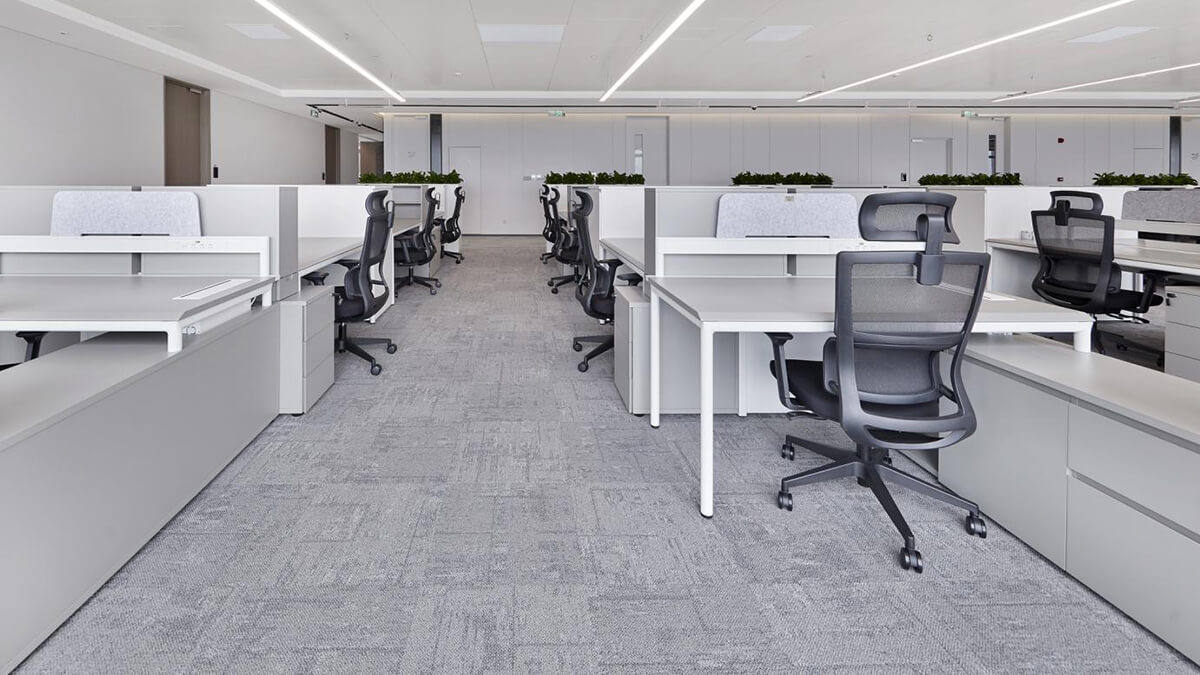
What is the difference between a desk and a workstation?
The main difference between a desk and a workstation is how you use your space. You use a desk when you want to work alone and focus. A workstation staff desk helps teams work together and change plans quickly. Picking the right setup can make you feel happier.
/ Read More
What is a workstation desk?
A workstation desk is more than a seat. It gives you a space to focus and feel good at work. SpaceUnited began in 2015. Now, it is a top company for modern office furniture. They mix smart design with real experience. Over time, the workstation staff desk changed how people work.
/ Read More
What materials are modern office desks made of?
You want a workspace that helps you work well and feel comfortable. SpaceUnited is a leader in making modular workspaces. They use new materials and skilled workers. Modern office desks use wood like ash, oak, cherry, and bamboo. You also find steel and metal parts, laminate, MDF, particleboard, gla
/ Read More
what are the benefits of using a modern office desk?
You want your workspace to help you focus and feel good. You also want to work in a smart way. A modern office desk gives you these things. You can change your desk to fit what you need. You will have a cleaner and neater space. Studies show ergonomic desks help you get more done.
/ Read More
What are the different types of modern office desks?
You can pick from executive desks, modular staff benching, collaborative tables, and special training desks. The right modern office desk helps you feel comfortable and work better. If your desk fits your work and space, you can focus more and have more ideas.
/ Read More
How to choose the right modern office desk?
You deserve a workspace that boosts your productivity and comfort. Start by checking the size of your room and picking a modern office desk that fits well. Think about the materials—wood adds warmth and a modern feel. Look for built-in drawers or shelves to keep your supplies tidy.
/ Read More